


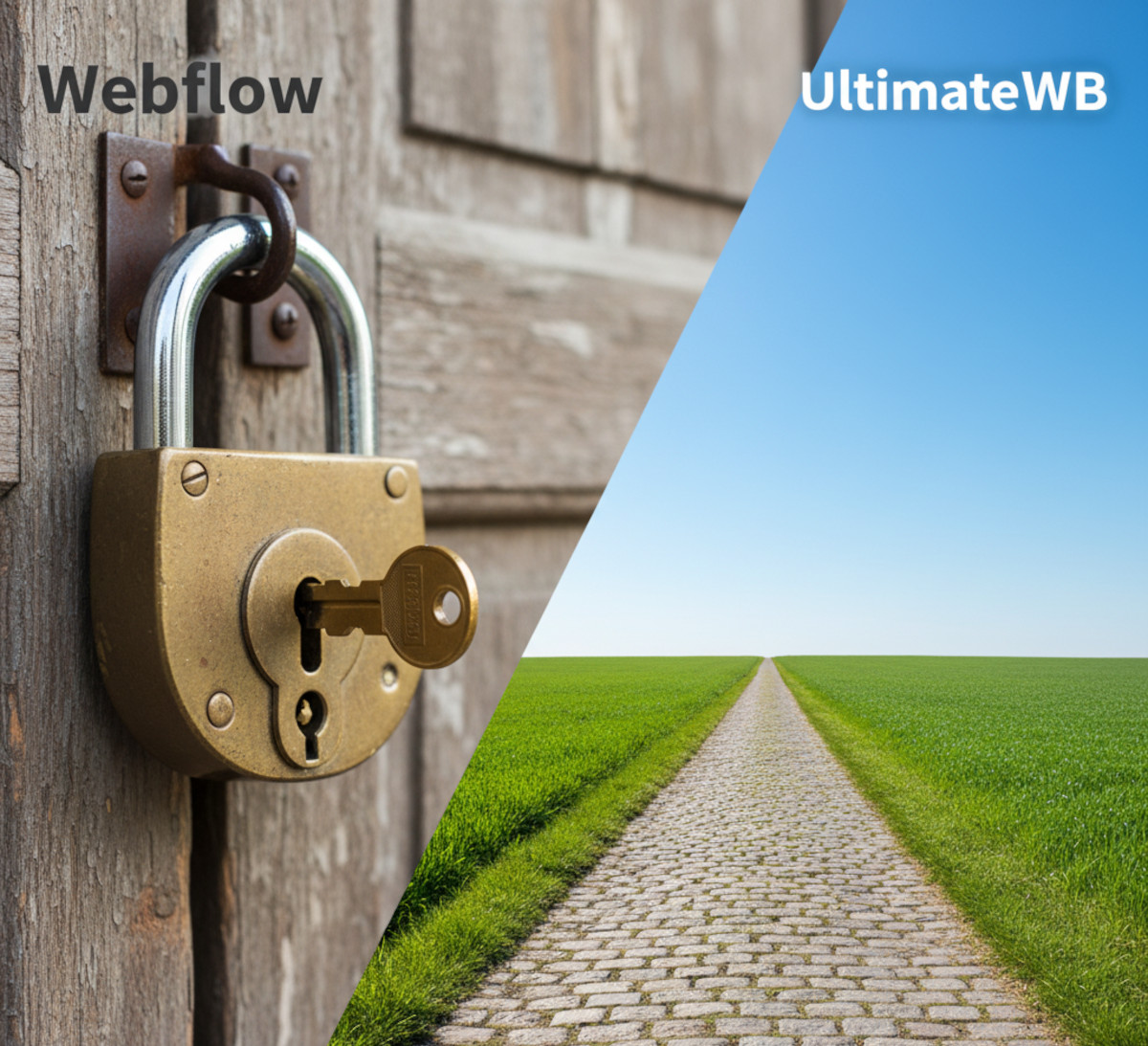
When people compare website builders, Webflow often gets mentioned alongside UltimateWB. At first glance, both platforms seem to offer professional tools for designers and developers. But once you dig deeper, the differences become huge – especially in terms of pricing, flexibility, admin control, and ownership of your site.
Here’s the full breakdown of Webflow vs UltimateWB so you can see why UltimateWB offers a simpler, fairer, and more powerful solution.
1. Pricing Structure
One of the most confusing parts of Webflow is how they split pricing into two separate categories.
Webflow Pricing
Account Plans (Workspaces)
- Linked to your Webflow dashboard
- Control how many projects you can create
- Determine whether you can export code, collaborate with team members, and access certain admin features
- Do not include hosting or the ability to remove Webflow branding from sites
Site Plans (Hosting Plans)
- Tied to a specific website
- Required to use a custom domain or remove the “Made in Webflow” badge
- Include hosting, SSL, and CMS/e-commerce features depending on the plan
Example:
- Freelancer Workspace plan: $24/month ($192/year)
- CMS Site Plan for each client site: $29/month/site ($348/year per client)
👉 If you manage 5 client sites:
- Workspace: $192/year
- Site hosting: $348 × 5 = $1,740/year
- Total: $1,932/year
And this is just to keep sites online without the Webflow badge.
UltimateWB Pricing
- Buy the software once (choose Promo, PromoU, Essentials+, Lite, or Full)
- Install it on your own hosting (or UltimateWB hosting)
- No hidden “badge removal” fees
- No double-plan requirements
- Pay only for your software license, domain, and hosting – the basics of running a website
👉 Managing 5 client sites with UltimateWB means 5 complete, independent setups with no artificial restrictions.
2. Branding and Control
Webflow:
- By default, every new site includes the “Made in Webflow” badge
- To remove the badge, you must purchase a paid Site Plan
- Even if you already pay for a Freelancer or Lite account plan, the badge cannot be removed without hosting
- If you use the free
.webflow.iodomain, the badge remains permanently
Note:
- This wasn’t always the case. Webflow recently changed its policy so that removing the badge now requires a paid Site Plan
- Older sites were grandfathered in, but all new projects are locked into this system
- This raises the question: if they changed this, what else might they decide to change down the road?
UltimateWB:
- No forced branding. Ever
- You are free to customize your site and brand it as your own from day one
3. Admin Management
Webflow:
- Each Workspace has one “owner” and limited admin features depending on your plan
- Free plan: only 2 unhosted projects
- To manage multiple sites, you must upgrade to higher-tier Workspace plans
- Client billing features are locked behind paid Workspaces
UltimateWB:
- Each installation comes with its own Admin Panel
- The Lite and Full versions include an Admins Manager, allowing unlimited admins, role assignment, and permission management
- Every site is fully independent – no global restrictions on how many projects or admins you can have
4. Web Hosting, CMS Control, and Site Flexibility
Webflow:
- Must use Webflow hosting for live sites on a custom domain
- If hosting elsewhere, you can only export static HTML, CSS, and JS – CMS content, dynamic pages, and e-commerce features are lost
- Switching hosting or moving your site essentially forces you to start over or lose functionality
- You don’t fully control your site, database, or server environment, and have no options if Webflow experiences downtime, bugs, or platform changes
- This lack of control and limited options has caused frustration for users, as highlighted in our previous post, Webflow’s Breaking Point: Downtime, Bugs, and a Community Fed Up
UltimateWB:
- Full flexibility – host on UltimateWB servers or any PHP/MySQL hosting provider
- CMS, e-commerce, memberships, and dynamic content remain fully functional regardless of hosting choice
- Complete control over site, database, and server environment
- Scale, migrate, or move your site freely without losing functionality
Why it matters: Hosting isn’t just about putting a site online – it’s about control, flexibility, and ownership. Webflow locks you into their ecosystem, while UltimateWB gives you full freedom to manage, migrate, and scale your sites.
Related: The Hidden SEO Power of Your Web Hosting Provider
5. Scalability
Webflow:
Designed for designers and smaller businesses. Larger or more complex websites can get expensive and restrictive due to pricing tiers and locked-down hosting.
UltimateWB:
Built to scale. Whether a small blog, full e-commerce store, or social network with thousands of users, UltimateWB gives complete control over database, code, and server environment.
6. Real Example Cost Comparison
| Scenario | Webflow | UltimateWB |
|---|---|---|
| 1 personal site | $192/year (Freelancer plan) + $192/year (Basic hosting) = $384/year | One-time software license ($19-$249) + hosting ($5–$10/month) |
| 3 client sites | $192/year (Workspace) + $348 × 3 = $1,236/year | 3 licenses (or one multi-site license) + hosting |
| 5 client sites | $192/year (Workspace) + $348 × 5 = $1,932/year | 5 licenses (or one multi-site license) + hosting |
7. Simplicity vs Lock-In
Webflow:
- Multiple pricing layers (Workspace + Site plans)
- Forced hosting
- Extra fees to remove branding
- Harder to scale affordably
UltimateWB:
- One license = one full site setup
- Simple, transparent pricing
- Full ownership, no forced branding
- Scales easily with your hosting
8. UltimateWB Cloud Plans: Low Upfront Cost with Upgrade Flexibility
For users who want to start small and pay less upfront, UltimateWB offers Cloud Plans, which requires no software license purchase.
Key features:
- 30-day free trial to test all features risk-free
- Affordable monthly plans for full website functionality
- No forced branding, even on the Cloud plans
- Website builder included with web hosting
- Choose your software version based on the features you want
Upgrade Path:
- Start on a Cloud Plan and later upgrade to a one-time software license
- Host on UltimateWB, your own servers or any PHP/MySQL hosting provider
- All content, functionality, and admin features transfer seamlessly
Why it matters compared to Webflow:
- Unlike Webflow, which locks users into Workspace + Site Plans from the start, UltimateWB Cloud lets you pay less upfront and upgrade later without losing functionality or control
Learn more and see plans: UltimateWB Cloud Website Builder
This option gives freelancers, agencies, or beginners flexibility to start small without sacrificing long-term control or features.
Conclusion
👉 Webflow was already complicated, and then they made it worse. By changing the rules and charging extra just to remove the “Made in Webflow” badge, they added unnecessary costs and complexity for users. These policy changes, combined with the platform’s existing limitations, leave many users feeling restricted and frustrated.
UltimateWB flips that model: full control, no forced branding, no double-plan pricing, and built-in admin management come standard with every setup.
For freelancers, agencies, and serious website owners, UltimateWB offers a transparent, scalable, and cost-effective alternative to Webflow.
👉 Ready to take full control of your websites without the complexity and extra costs? Start your UltimateWB journey today – explore our Cloud Plans, try a 30-day free trial, or purchase a software license and gain full ownership, flexibility, and admin control for all your sites.
We also offer web design packages if you would like your website designed and built for you.
Got a techy/website question? Whether it’s about UltimateWB or another website builder, web hosting, or other aspects of websites, just send in your question in the “Ask David!” form. We will email you when the answer is posted on the UltimateWB “Ask David!” section.