


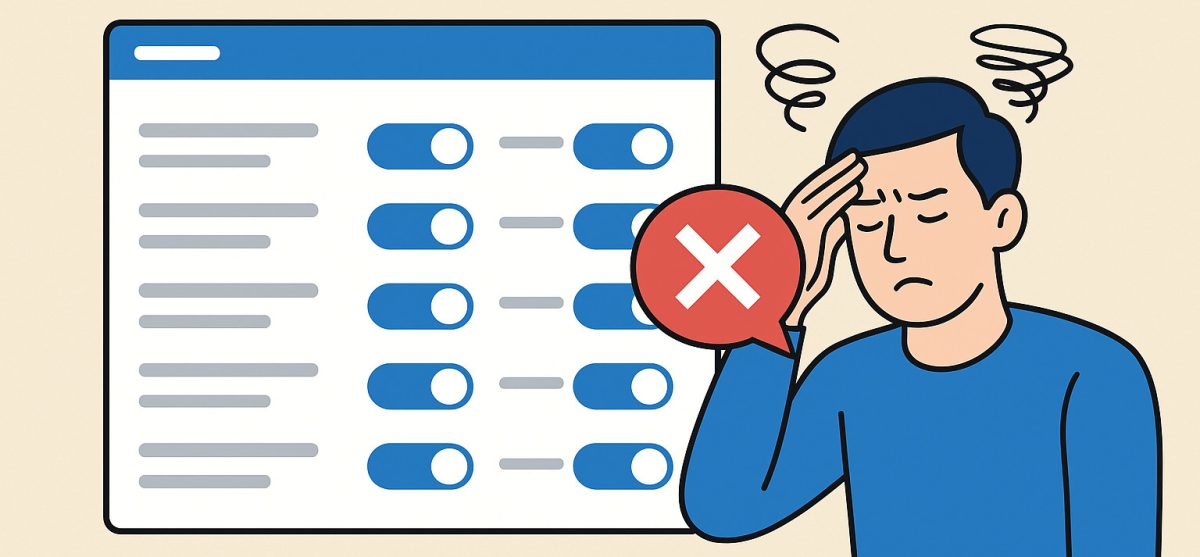
Website platforms love to talk about automation. In theory, it’s supposed to save time, simplify workflows, and help you run your business more efficiently. But every now and then, a platform rolls out an “improvement” that reminds you just how quickly automation can cross the line from helpful to intrusive.
Recently, many Wix users logged into their dashboards to find a storm of newly generated automations – not a handful, but dozens – all added automatically without any request or approval. These automations attempted to “optimize” things like customer interactions, follow-ups, and internal notifications. Sounds great… until you try to undo them.
The Real Issue: No Bulk Deactivation
The biggest frustration wasn’t the automations themselves. It was the process of disabling them.
Instead of offering:
- A “Select All”
- A “Disable All Automations”
- Or even a grouped category toggle
…users had to open each one individually, toggle it off, confirm the deactivation, and repeat. Over and over. For some, it meant spending far too much time clicking through a feature they never asked to use.
Automation is supposed to remove busywork – yet here it did the exact opposite.
When Good Intentions Miss the Mark
To be fair, the intention behind automated suggestions is understandable. Platforms want to help users improve engagement and efficiency. But forced implementation – especially in bulk – can break workflows, create confusion, and trigger unintended actions on a live website.
And when users lose control, frustration follows.
What Users Actually Want
Most website owners aren’t against automation. They just want:
- Control over what gets added
- Transparency about new features
- A bulk management option when changes affect dozens of items
- Respect for existing workflows they’ve intentionally set up
These things matter more than one-click “helpfulness.”
What This Says About Automation in Website Platforms
Situations like this highlight something simple: automations work best when users can easily manage them. Tools that add new features automatically – especially in large batches – need to offer equally simple ways to review or turn them off.
Bulk actions, clear notifications, and straightforward controls make a big difference. It’s not about criticizing any platform; it’s about recognizing that convenience features should feel convenient, not overwhelming.
Looking for a Wix alternative? Learn more about UltimateWB! We also offer web design packages if you would like your website designed and built for you.
Got a techy/website question? Whether it’s about UltimateWB or another website builder, web hosting, or other aspects of websites, just send in your question in the “Ask David!” form. We will email you when the answer is posted on the UltimateWB “Ask David!” section.