


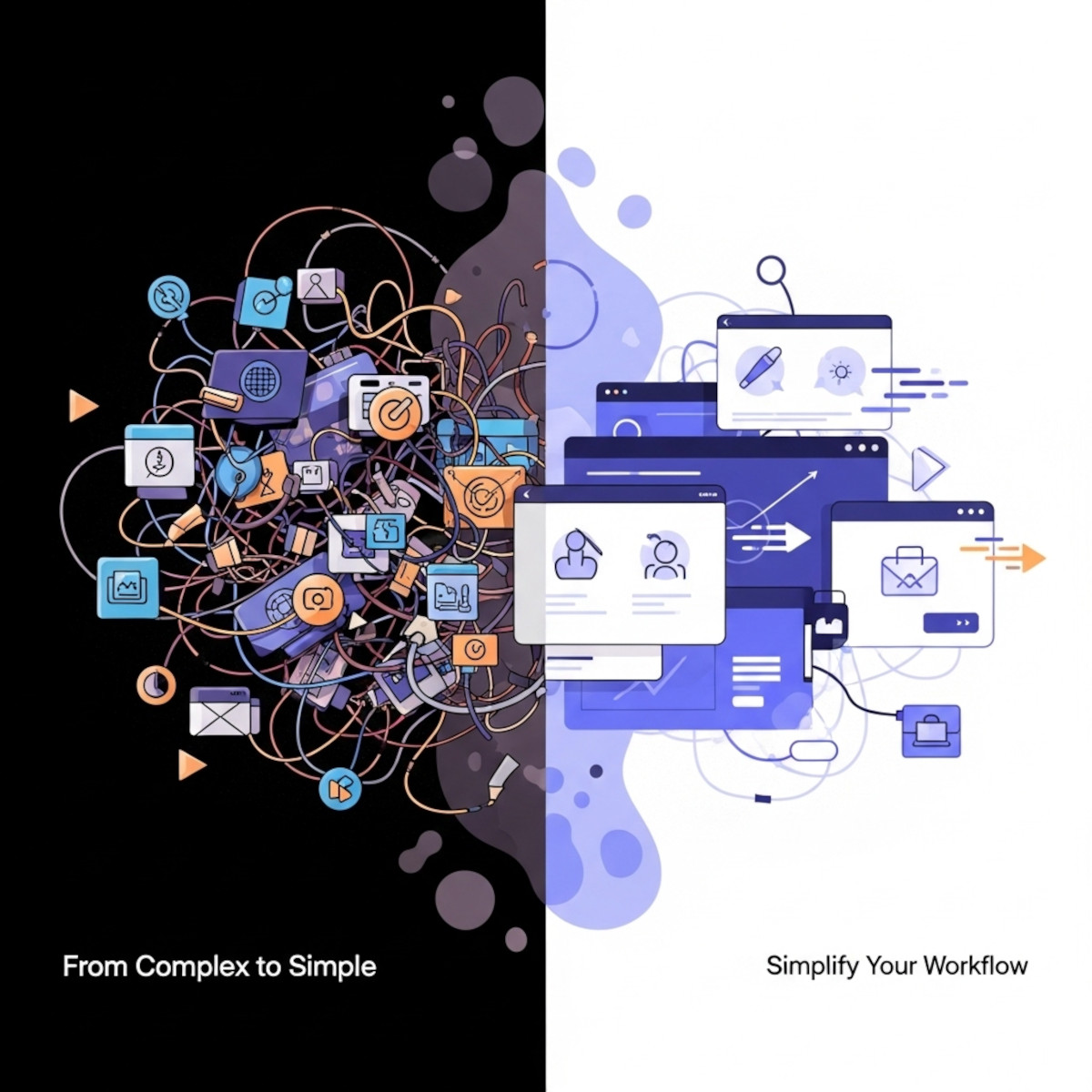
If managing WordPress has started to feel like a full-time job that you never wanted – complete with endless updates, plugin conflicts, sudden security risks, and a steep learning curve – you are not alone. While WordPress powers millions of sites, many business owners realize it is neither the fastest nor the easiest platform to maintain over the long term.
Migrating from WordPress to a streamlined, high-performance platform is easier than you might expect. This guide will walk you through how to transition smoothly and show you why UltimateWB is the ideal WordPress alternative – offering built-in advanced features with none of the plugin chaos. Powerful features with a clean, user-friendly experience.
Why Look for a WordPress Alternative?
WordPress relies on an open-source, “Lego-brick” framework. It’s also been described as the Jenga game, because you never know when it all might fall down, it being your website. WordPress gives you a blank canvas, but it forces you to rely on third-party developers for almost everything. Even a contact form. Which website doesn’t want a contact form? And yet, WordPress core does not even include that basic feature. Now just think about all the other features WordPress does not include built-in. This structure quickly becomes complicated and time-consuming because:
- Plugin Overload: You need to research, install, and configure dozens of plugins just to get basic features like caching for loading speed, SEO tools, e-commerce, or member tools.
- Constant Maintenance & Conflicts: Core updates frequently conflict with your theme or plugins, resulting in site downtime, broken layouts, or sluggish speeds.
- Hacking and Security Vulnerabilities: Outdated plugins are the leading cause of compromised websites. But, as we covered in our deep dive article, The WordPress Backdoor Scandal: Why 30+ “Trusted” Plugins Just Turned Malicious, even popular, “trusted” plugins can be sold to bad actors or weaponized with backdoors overnight. Or even if they are not sold, they can get hit at the source, like covered in the article, Over 1.6 Million WordPress Sites Hit: The OptinMonster and ShapedPlugin Supply Chain Attacks.
Are you dealing with a compromised site right now? Read our step-by-step guide on How to Recover from a Hacked WordPress Site: A Secure Migration to UltimateWBto safely extract your clean database content and move to a secure environment.
And don’t forget the bloat. The slow loading speeds. Read more on this: Why WordPress Sites Score Low on PageSpeed – and How UltimateWB Fixes That
What Makes UltimateWB a Better Alternative to WordPress?
UltimateWB is a streamlined website builder that delivers advanced functionality without the plugin chaos:
- Built-in core features: Membership tools, e-commerce, SEO tools, contact forms, and more come ready to use – no extra plugins needed.
- Optimized performance: Clean, efficient code plus a built-in WebP image converter ensures fast loading pages.
- Easy customization: Drag-and-drop page building and visual editing tools require no coding, but full code access is available if you want it.
- Flexible hosting: Host your site wherever you want or choose an UltimateWB web hosting package.
- Full ownership and control: You own your website content and code, with the freedom to move or modify your site anytime.
How to Migrate from WordPress to UltimateWB
Step 1: Export Your WordPress Content
Log into your WordPress dashboard and navigate to Tools > Export. Choose “All Content” to download your XML files containing posts, pages, comments, and terms. Next, use your FTP client or hosting File Manager to download your /wp-content/uploads/ folder so you have local copies of all your images and media.
Step 2: Choose Your UltimateWB Version
Review your current website’s needs. Select the right tier on the UltimateWB Feature Comparison Chart to ensure you get all the native features you want, such as basic blog tools, full e-commerce, or member directories.
Step 3: Install UltimateWB on Your Domain or Subfolder
If you host with UltimateWB, we handle the software installation for you. If you choose your own web host, you can easily install UltimateWB, just follow our online install instructions. Or you can purchase our pro install services for your own host.
If you have a current running website, we recommend installing it to a subfolder, like yourdomain.com/new, so you can build and test your new site quietly without affecting your live WordPress site. When you’re ready, you can move the installation to your domain’s root (yourdomain.com) with ease.
Step 4: Build Your New Pages and Import Content
Use UltimateWB’s intuitive visual styling tools to build your new site layouts. Copy your clean text over from your exported WordPress archives and easily upload your media files. Because UltimateWB structures features natively, this is a great opportunity to clean up old, bloated code.
If you have a blog section, you can actually import your WordPress posts, tags, etc – all your WordPress database entries and WordPress – into the UltimateWB integrated WordPress blog option. Just copy over your WordPress wp_content files to your /blog folder (which you can rename if you’d like), and upload your WordPress database to the UltimateWB WordPress database. You will want to use the UltimateWB WordPress themes provided with the software, to take advantage of the integrated WebP image optimization, and built-in SEO tools – no plugins needed.
Step 5: Test Your Website and Launch
Preview your site and optimize your settings. If you installed UltimateWB in a subfolder for testing, transfer your site to the root directory of your domain (yourdomain.com) when ready. You can use the built-in maintenance mode to hide your site from visitors while you build. Once ready, disable maintenance mode to make your site live.
Take Back Control of Your Website
Migrating away from WordPress does not mean you have to rent a closed, hosted platform that locks away your files. UltimateWB gives you the simplicity of a modern visual builder with the full, downloadable ownership of a professional CMS.
Ready to simplify your workflow, improve your loading speeds, and eliminate constant plugin updates?
Ready to simplify your workflow, improve your loading speeds, and eliminate constant plugin updates?
- 💡 UltimateWB Homepage – Overview and key benefits
- 🔧 Features List – Built-in tools and capabilities
- 🛍️ Purchase Software – Choose your website builder version
- ☁️ UltimateWB Web Hosting – Secure, high-performance plans
Don’t want to create/design your website yourself? Check out our web design packages.
Related Resources:
- How to Find a Website Builder with Low Maintenance Requirements
- Why WordPress Page Builders Fall Short – and What to Use Instead
Got a techy/website question? Whether it’s about UltimateWB or another website builder, web hosting, or other aspects of websites, just send in your question in the “Ask David!” form. We will email you when the answer is posted on the UltimateWB “Ask David!” section.