


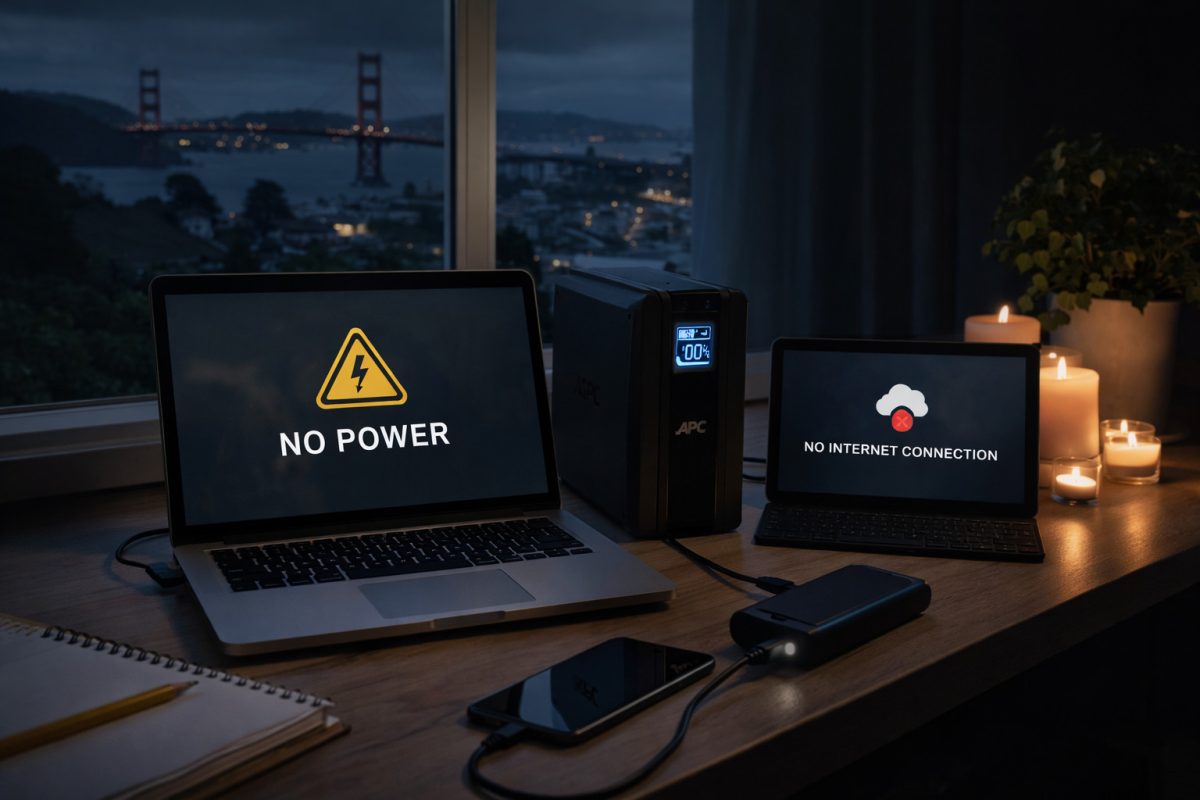
Is your power out? Power outages are widespread across Northern California right now, from San Francisco to Oakland, San Bruno, and the North Bay. Blackouts aren’t just inconvenient – they can interrupt your work, damage electronics, and even complicate managing your website.
Whether it’s a short outage or several hours without electricity, a few precautions can save you lost data, damaged hardware, and wasted time. Here’s a detailed guide on what to do before, during, and after an outage.
1. Keep Your Devices Charged and Ready
- Laptops, tablets, and phones: Always keep them charged during outage-prone periods.
- Portable power banks: Have one or two handy – they can keep essential devices alive for hours.
- Power management: Reduce screen brightness and close non-essential apps to extend battery life.
Tip: If you’re working remotely, keep a small pack of backup cables and adapters in a bag ready for emergencies.
2. Use a UPS (Uninterruptible Power Supply)
A UPS isn’t just for big offices – even a home workstation can benefit:
- Provides enough battery power to save work and shut down properly
- Protects against sudden surges when power returns
- Keeps your modem, router, and network devices running, maintaining internet connectivity
Tip: Look for a UPS with software that can automatically save files and safely shut down computers during extended outages.
3. Backup Your Data
Power outages can interrupt saves, uploads, or cloud syncs, leading to corrupted files.
- Cloud backups: Automate uploads to Google Drive, Dropbox, or OneDrive
- Local backups: External drives or NAS devices provide an extra safety net
- Versioning: Keep previous copies of critical files to restore if something goes wrong
Tip: Test your backup system occasionally to make sure files can actually be restored.
4. What to Do About Your Website During an Outage
If you manage a website, power outages can make it difficult to:
- Upload new content
- Respond to customer inquiries
- Access site analytics or dashboards
Practical tips:
- Plan updates in advance during outage-prone periods
- Use tools that allow offline editing, then sync when the internet returns
- Schedule automated backups of your site so data isn’t lost if something goes wrong
The key here is staying prepared – outages don’t have to stop your workflow if you have offline tools and backups in place.
5. Use Surge Protection
- Sudden spikes when electricity returns can damage electronics
- Use quality surge protectors for computers, routers, and monitors
- UPS devices with built-in surge protection give extra safety
Tip: Even inexpensive surge strips are better than nothing – they can save hundreds in equipment damage.
6. Turn Off Non-Essential Electronics
- Printers, monitors, and other devices draw power and are vulnerable to surges
- During prolonged outages, leave only essential devices powered (ideally via UPS)
- Helps extend battery life and prevents unnecessary damage
7. Plan for Internet and Connectivity Interruptions
- Keep a mobile hotspot ready to maintain communication
- Routers on UPS power can keep your home network online temporarily
- Have offline productivity tools ready (documents, spreadsheets, email drafts)
Tip: If you rely on cloud tools for work, download offline copies or enable offline modes wherever possible.
8. Update Systems and Software in Advance
- Outages can interrupt system updates, leaving devices vulnerable
- Keep your operating system, antivirus, and software up-to-date
- Updated systems recover more safely after sudden shutdowns
Conclusion
Power outages are inconvenient, but they don’t have to cause data loss, damaged equipment, or missed work. By charging devices, using UPS systems, backing up data, preparing for internet interruptions, and having offline workflow strategies, you can stay productive even when the lights go out.
Right now, as outages affect San Francisco, Oakland, the North Bay, and beyond, these precautions are more important than ever.
Happy Wintering!
Ready to design & build your own website? Learn more about UltimateWB! We also offer web design packages if you would like your website designed and built for you.
Got a techy/website question? Whether it’s about UltimateWB or another website builder, web hosting, or other aspects of websites, just send in your question in the “Ask David!” form. We will email you when the answer is posted on the UltimateWB “Ask David!” section.