


Understanding your website’s performance is key to success. The tools at your disposal are numerous, each offering unique insights. In this post, we’ll compare three heavyweights: cPanel AWStats, Google Analytics, and Google Search Console Insights. You can use all three with UltimateWB. All UltimateWB Web hosting plans and UltimateWB Cloud plans come with cPanel and AWStats included free!
Let the battle of the analytics commence!
cPanel AWStats:
Pros:
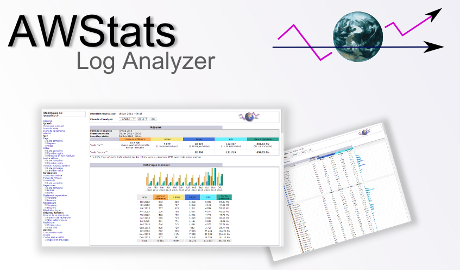
- Server-Side Analytics: AWStats operates on the server level, analyzing log files to generate insights. It’s useful for understanding server load, bandwidth consumption, and visitor data without relying on external services.
Cons:
- Basic Data: AWStats provides fundamental data like visitor counts, pageviews, and referral sources, but lacks advanced metrics and user behavior analysis.
- Limited Real-Time Data: Its reports are typically not real-time, making it less suitable for immediate decision-making.
Related: Why cPanel AWStats Shows 90%+ of Website Visits as 0–30 Seconds (And Why It’s Normal)
Google Analytics:
Pros:
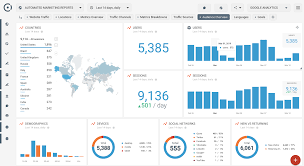
- Comprehensive Insights: Google Analytics offers a plethora of metrics, including user behavior, traffic sources, conversion tracking, and more.
- Advanced Segmentation: You can segment data based on demographics, devices, user flow, and more, enabling deep analysis.
- Real-Time Tracking: Google Analytics provides real-time data, giving you an immediate pulse on your website’s performance.
Cons:
- External Dependency: Relying on external servers means potential data loss if the tracking code isn’t implemented correctly.
Google Search Console Insights:
Pros:
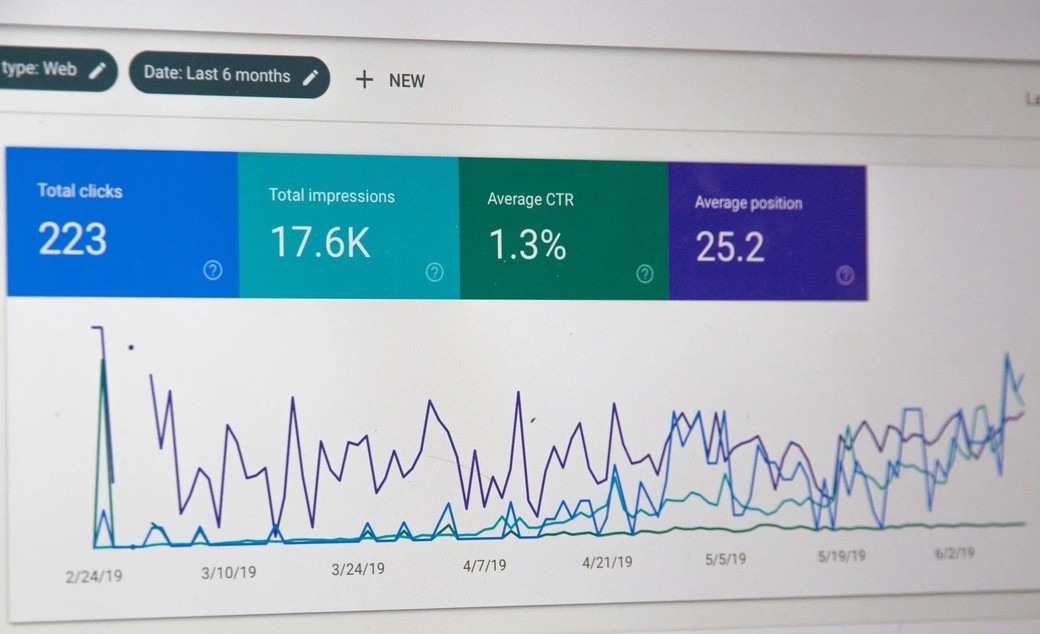
- User-Centric Metrics: Search Console Insights focuses on user behavior, showing how visitors discover and engage with your content.
- Integration with Search Queries: It ties into Google Search Console, offering data on search queries, clicks, and impressions.
- Content Performance: You can assess which content resonates with users and tailor your strategy accordingly.
Cons:
- Limited to Search Traffic: Google Search Console Insights primarily covers organic search traffic and might not provide a complete picture of other traffic sources.
Which Tool to Choose?
- For Server Stats: If you want insights on server performance, cPanel AWStats is useful.
- For Comprehensive Analysis: Google Analytics is a powerhouse for in-depth insights and user behavior analysis.
- For Search-Centric Insights: Google Search Console Insights is ideal if you’re focused on optimizing for search traffic.
Conclusion: The Verdict
Each tool serves a specific purpose. cPanel AWStats is handy for server-level data, Google Analytics excels in comprehensive user analysis, and Google Search Console Insights caters to search-focused optimization. Your choice depends on your goals, resources, and the depth of analysis you need. A combination of these tools could provide a well-rounded view of your website’s performance, allowing you to optimize your strategies effectively.
Read Related Article: Google Analytics vs Awstats – which is better, more accurate, useful? – We go into more detail on server-level vs script-level analytics.
Want to design & build your own website? Learn more about UltimateWB! We also offer web design packages if you would like your website designed and built for you.
Got a techy/website question? Whether it’s about UltimateWB or another website builder, web hosting, or other aspects of websites, just send in your question in the “Ask David!” form. We will email you when the answer is posted on the UltimateWB “Ask David!” section.