


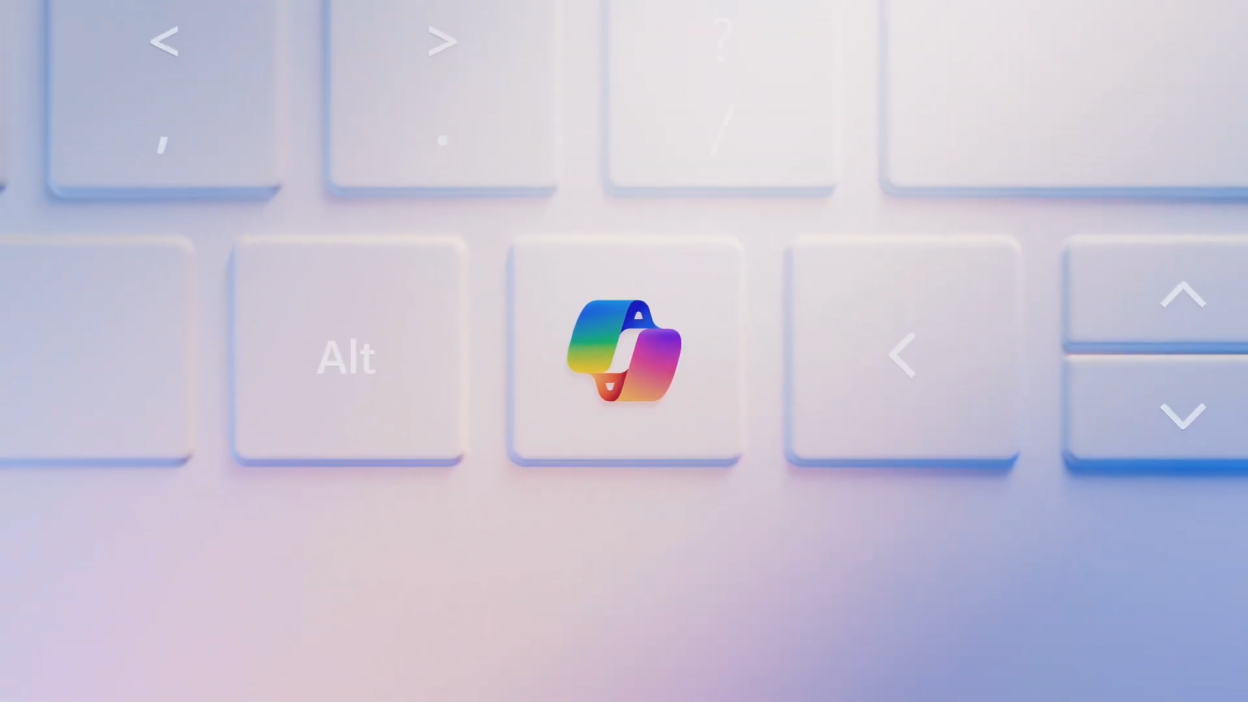
Heads up, Windows users! Prepare for a new addition to your keyboard family: the Copilot key. Yes, the first new key since 1994 (remember the Start button’s debut?). It’s a bold move, sparking curiosity (and maybe a bit of skepticism).
So, what does this fancy button do?
Basically, it’s a one-click shortcut to Microsoft’s Copilot AI assistant. Need a document summary, a quick translation, or some AI-powered magic? Bam, tap the Copilot key and let the silicon sidekick handle it.
Cool, but is it truly groundbreaking?
Past AI assistants like Cortana haven’t always hit the mark, so cautious optimism is warranted. However, this Copilot key seems deeply integrated into Windows itself, promising a smoother experience than usual. Plus, Microsoft’s recent AI push suggests seriousness about making Copilot useful, not just flashy.
Still, some questions linger:
- Can we customize this key?
- Will it become our new accidental Caps Lock nemesis?
- And most importantly, will it actually save us time and effort, or just gather dust like the elusive Scroll Lock?
The Copilot key’s verdict isn’t in yet. Its success hinges on whether it becomes a helpful sidekick or a forgotten keystroke.
So, Windows folks, what do you think? Will Copilot become your productivity hero, or just another button in the crowd? Share your thoughts in the comments below!