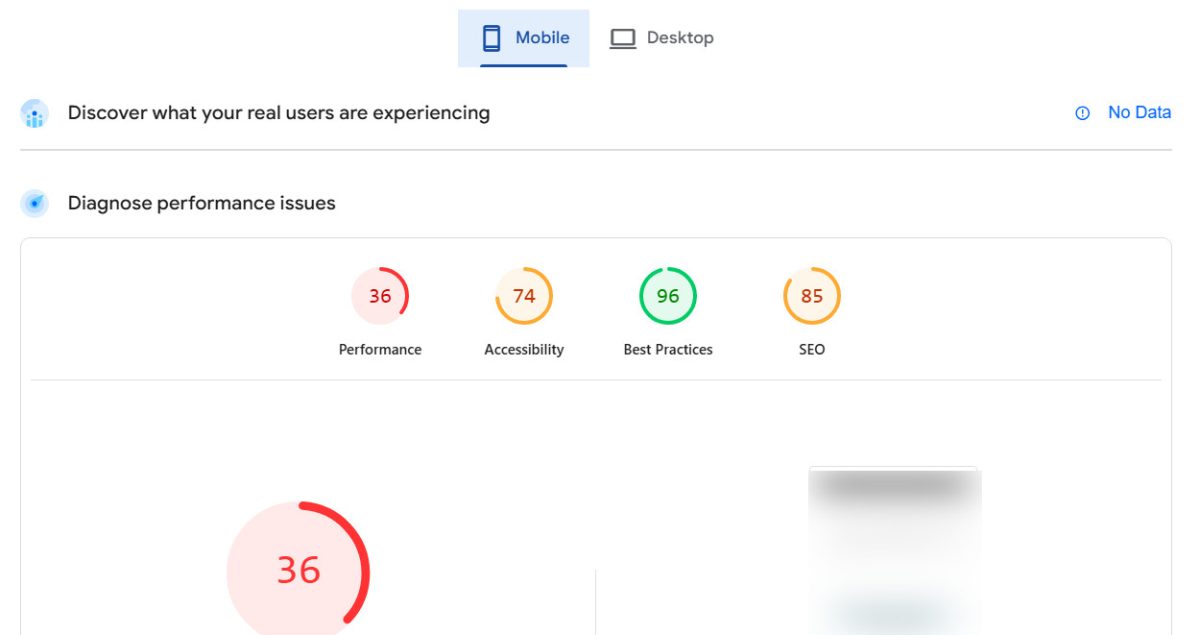
Considering open-source platforms like WordPress, Joomla, or Drupal? While the software itself is "free," this path comes with significant hidden costs and responsibilities. To get the features you need, you must rely on a patchwork of third-party plugins and themes from dozens of different developers.
This approach forces you to become a system administrator, responsible for managing plugin compatibility, security vulnerabilities, and frequent updates that can break your site. Suddenly, your "free" website requires constant maintenance, technical expertise, and often the expense of hiring a developer to fix issues. Your page load times can suffer as you add more and more plugins.
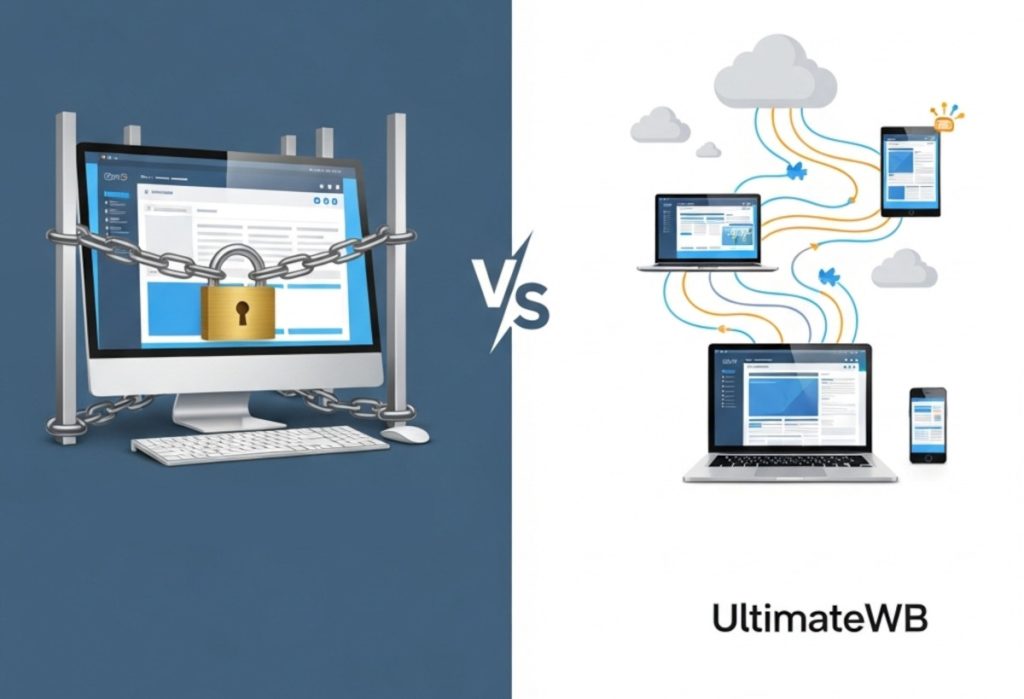
The Open-Source Trap vs. The UltimateWB Solution
- Open-Source Problem: You are responsible for integrating - and paying for - dozens of third-party plugins, leading to security risks, slow performance, and update conflicts.
- UltimateWB Solution: All apps are built-in, designed to work together seamlessly. One system, one update, no conflicts.
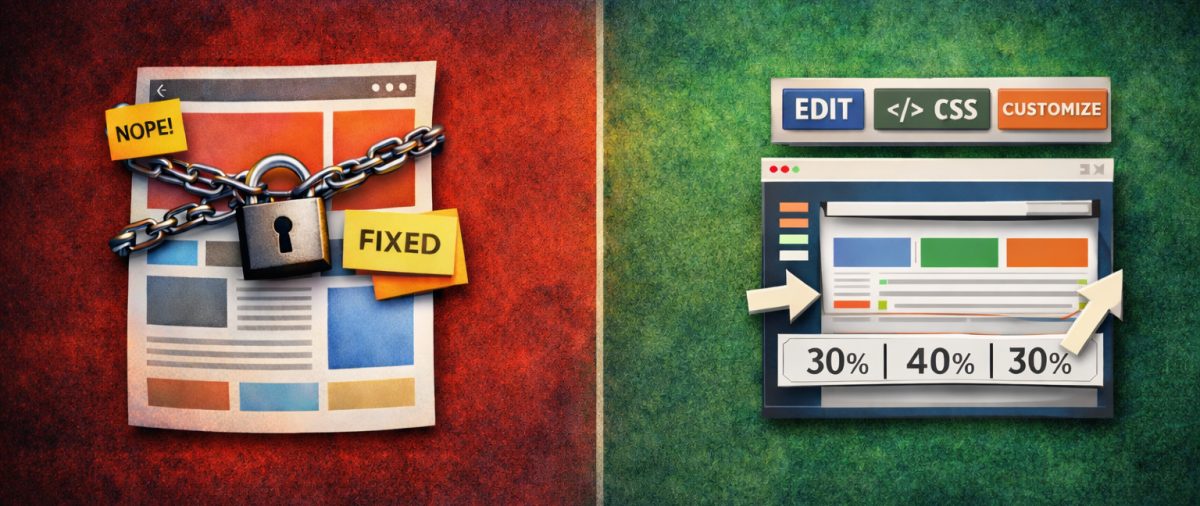
- Open-Source Problem: Customization beyond a basic theme requires complex coding (PHP, CSS) or hiring a developer.
- UltimateWB Solution: A powerful Styles Manager lets you customize everything without writing a single line of code.
- Open-Source Problem: You spend more time managing the system than building your business.
- UltimateWB Solution: An all-in-one platform that just works, so you can focus on your content and users.
Feature-by-Feature Comparison
| Feature | UltimateWB Full | UltimateWB Lite | WordPress | Joomla | Drupal |
|---|---|---|---|---|---|
| No Programming Required | ✔True no-code experience. | ✔True no-code experience. | ✖Requires technical skill for setup, maintenance, and customization. | ✖Requires significant technical expertise. | ✖Requires developer-level expertise. |
| All-in-One Integrated System | ✔All apps are built-in and work together perfectly. | ✔Core apps are built-in. | ✖Relies on a fragile ecosystem of third-party plugins. | ✖Relies on third-party extensions. | ✖Relies on third-party modules. |
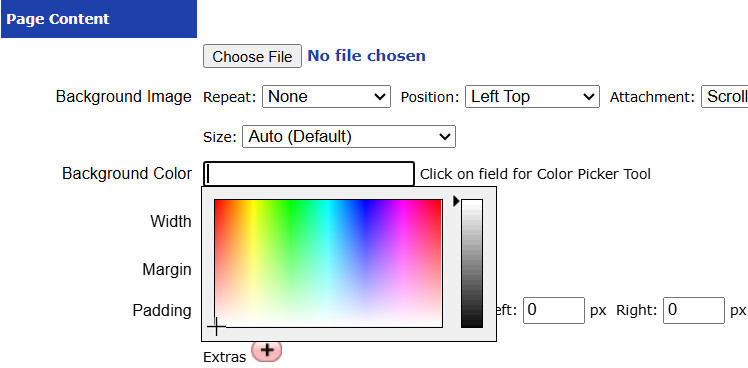
| Create Own Styles/Templates without Code | ✔Full control with the built-in Styles Manager. | ✔Full control with the built-in Styles Manager. | ✖Requires coding or complex third-party page builder plugins. | ✖Requires coding to create or heavily modify templates. | ✖Requires extensive coding knowledge. |
| Built-in E-Commerce App | ✔Included. | ✖Upgrade to Full. | ✖Requires plugins like WooCommerce needing separate management. | ✖Requires third-party e-commerce extensions. | ✖Requires third-party e-commerce modules. |
| Built-in Membership / Social Network | ✔Included. | ✖Upgrade to Full. | ✖Requires complex, often paid, third-party plugins. | ✖Requires complex third-party extensions. | ✖Requires complex third-party modules. |
| Update Process | ✔Reliable, unified system update. Fully managed with UltimateWB hosting, or a straightforward process if self-hosted. No conflicts. | ✔Reliable, unified system update. Fully managed with UltimateWB hosting, or a straightforward process if self-hosted. | ✖Risky. Updating core, theme, and plugins separately can break your site. | ✖Complex and can lead to broken extensions. | ✖Very complex; often requires a developer. |
| Security | ✔Secure, closed-source core with all apps from one trusted developer. | ✔Secure, closed-source core. | ✖High risk. Most hacks exploit vulnerabilities in third-party plugins and themes. | ✖Vulnerable through third-party extensions. | ✖Considered secure at its core, but still vulnerable via modules. |
| Price | One-time fee or Cloud plan. Predictable cost. | One-time fee or Cloud plan. Predictable cost. | "Free" software + hosting, premium themes, premium plugins, and developer fees. Unpredictable cost. | "Free" software + hosting, extensions, and developer fees. Unpredictable cost. | "Free" software + significant developer fees. Highest total cost. |