We have gotten some questions on this, so we would like to clarify: You do not need a PayPal account, nor do you need to create a PayPal account to purchase from UltimateWB - even if you are setting up a subscription plan, for web hosting, or for domain purchase, etc.
Here are the steps:
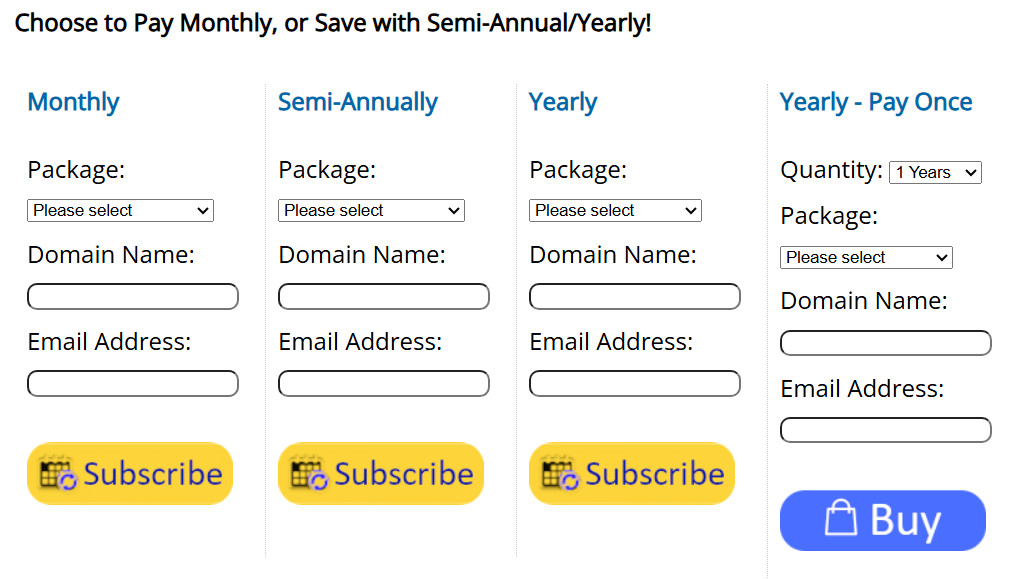
1) Select a subscription plan, or a one-time payment - via the Subscribe or Buy buttons, respectively:
2) Choose to pay via Debit or Credit Card if you don't want to use a PayPal account:
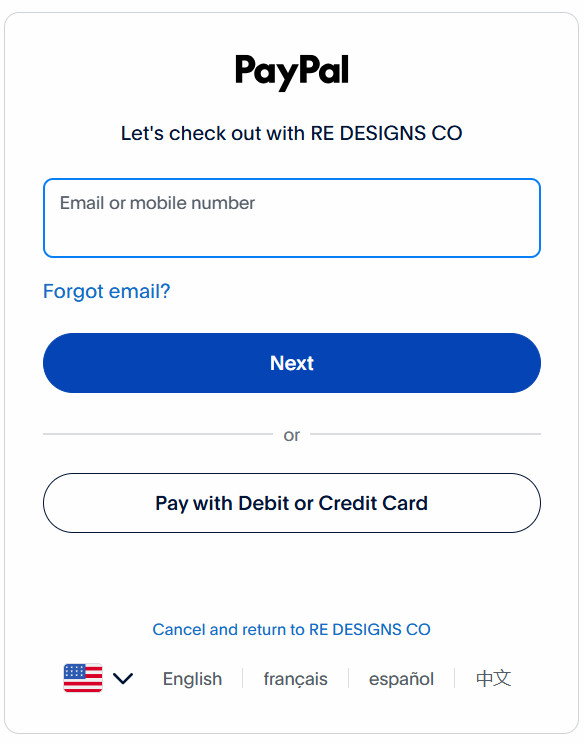
Just click on the "Pay with Debit or Credit Card" button.
3) This next screen allows you to check out as a guest, via PayPal processing. It does not create a PayPal account, and just requires you to enter your email address for the payment processing. As the page notes, "Enjoy the ease and security of PayPal even if you don't have an account. Enter your email to get started." - Note that this DOES NOT create a PayPal account from your info.
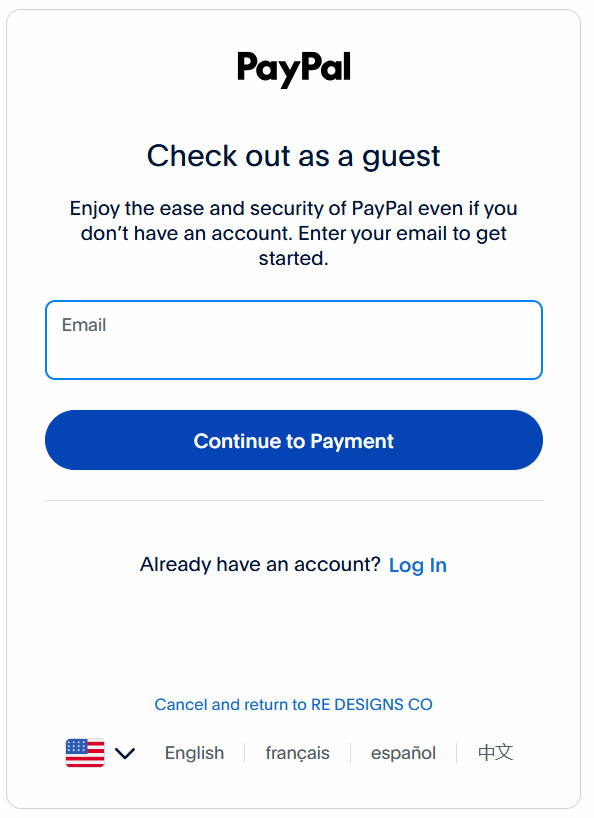
Clicking on the "Continue to Payment" button takes you to the next screen, to enter your Credit Card or Debit card info.
4) The Payment page:
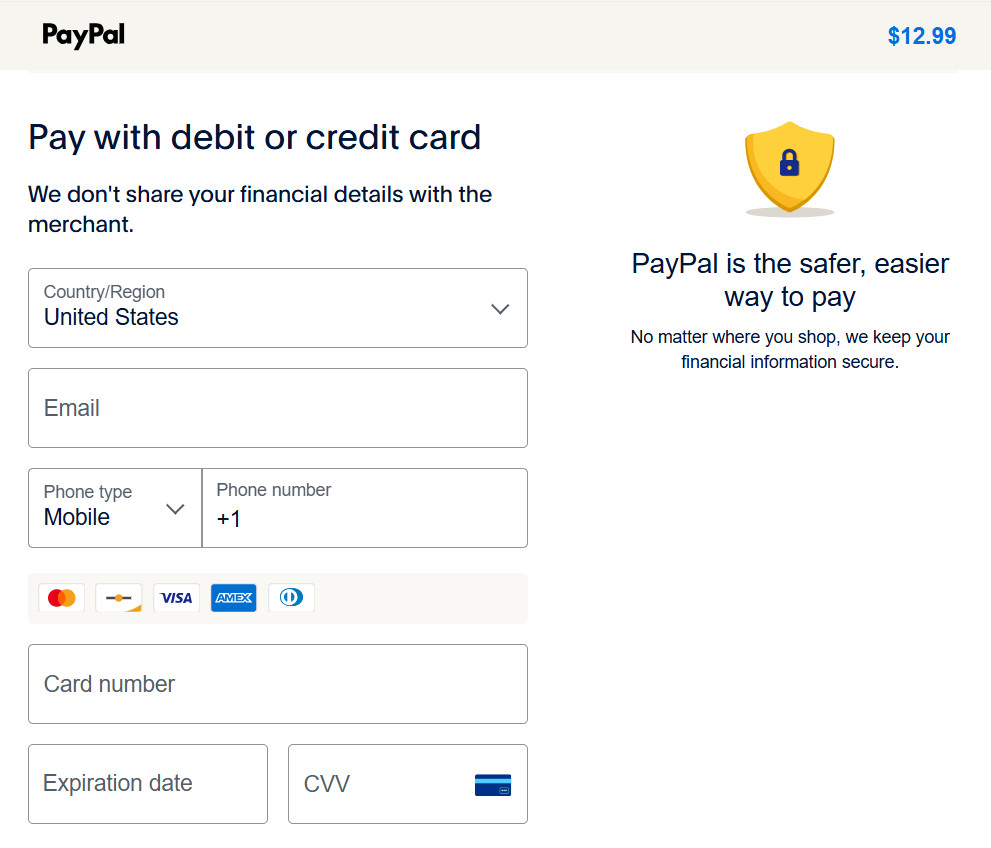
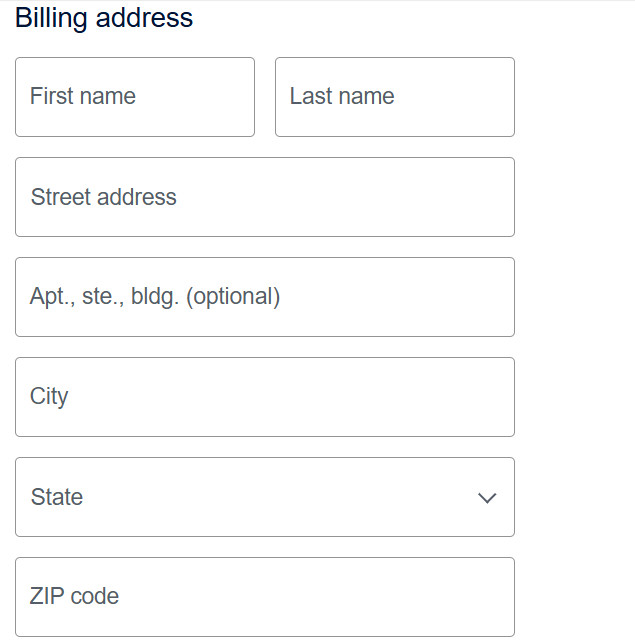
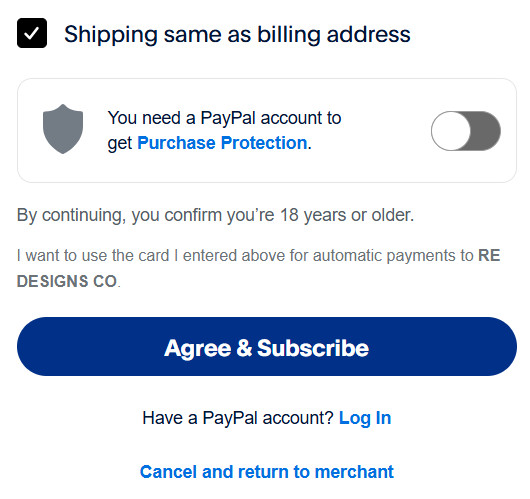
Scrolling down the page, takes you to the section that reads, "You need a PayPal account to get Purchase Protection" - i.e. PayPal purchase protection, separate from any protection your credit card company may provide to you. If you don't want to create a PayPal account, move the slider to turn off this option, so it appears like the image displayed above. It is turned on by default.
So, that is the important step. Now, just click on the "Agree & Subscribe" and you're all set to get started with UltimateWB. Welcome!



 Post Reply