



-
Recent Posts
- Astro + AI Website Development: Pros, Cons, and How It Compares to UltimateWB
- Etch Pre-Sale Promises: What’s Been Delivered and What’s Still Missing?
- Why Reddit Threads on Website Builders Miss the Point (And What to Look For Instead)
- Epileptic Woman Dies After Using ChatGPT for Medical Advice; Family Sues OpenAI
- Best Practices for Image Filenames and Alt Tags: A Quick SEO Checklist
- Best Website Builder for a Web Development Business: Build Your Own Website and Client Websites
- How to Make a Website Without AI for Free
- Is Wix Safer Because It Doesn’t Use PHP? Wix Security Vulnerabilities Tell a Different Story
- Rank Math PRO Supply Chain Attack: Why Updating the Plugin May Not Be Enough
- How to Safely Upgrade Legacy PHP (5.6, 7.0–7.3) to Modern, Supported Versions
- Critical PHP Vulnerabilities (“PHP2Shell”): What You Need to Know & Which Platforms Are Affected
- What Happened to GeoCore Classifieds? From Commercial Software to Community Project
- Why Vibe Coding Isn’t the Only Way to Build a Website Without Monthly Fees
- How to Create a Simple Website to Receive Client Files and Scheduling Requests
- Can You Fork a Paid WordPress Plugin Instead of Paying the Subscription?
- When Google Decides Not to Index a Page, Can You Change Its Mind?
- The Events Calendar Alternative: Why Pay More for WordPress Plugins You Don’t Need?
- Firefox Is Starting Automatically When You Log In? Here’s How to Stop It
Categories
Search Results for: google fonts
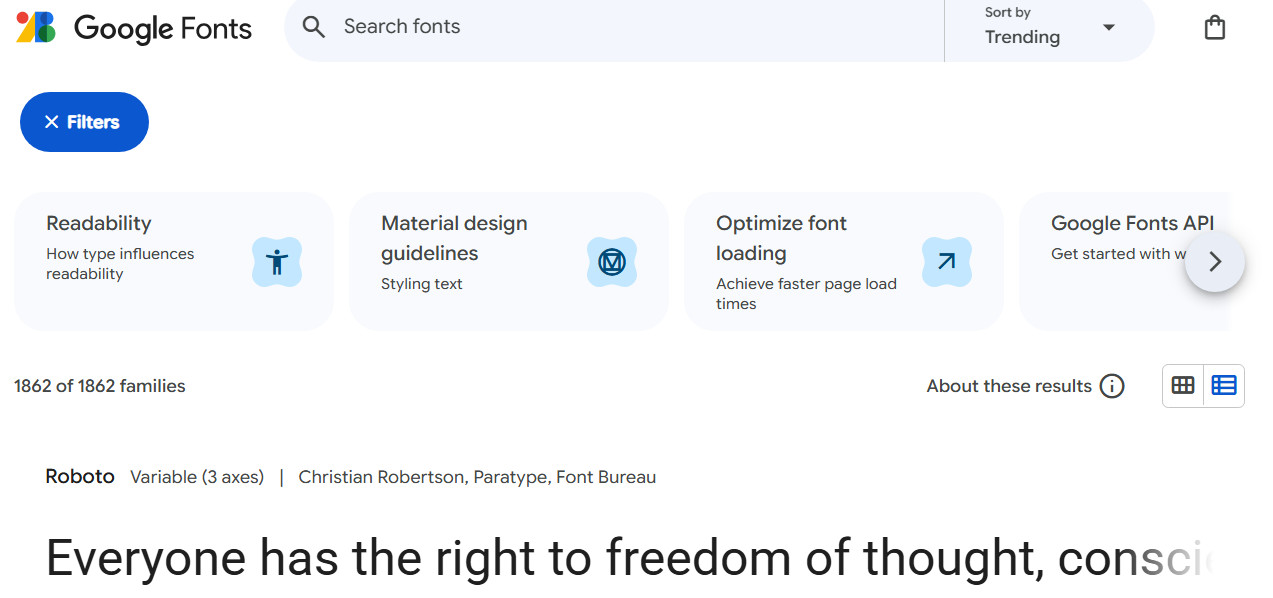
Should You Host Google Fonts Directly on Your Website?

A Closer Look at Performance and Security
When it comes to incorporating fonts into your website, Google Fonts is a popular choice. It offers a vast library of free, high-quality fonts that can enhance the visual appeal of your site. However, there's a common question among web developers: Is it better to host Google Fonts directly on your website, or should you link to them externally? Let's explore the pros and cons of both approaches.
Hosting Google Fonts Directly
Pros:
Choosing Website Fonts Made Easy: A Step-by-Step Guide

Choosing fonts for your website can feel overwhelming. With thousands of typefaces available, how do you pick one that looks professional, is easy to read, and fits your brand? The truth is, you don’t need a design degree to make smart choices. This guide breaks it down into simple, actionable steps with examples you can follow today.
1. Understand the Two Main Font Categories
There are two primary categories of fonts you should
... Continue reading
Posted in Website Design
Tagged brand identity, brand personality, branding, casual, choose fonts, consistency, creative, fancy fonts, fast, font pairing, fonts, friendly, fun, google fonts, mobile-friendly, modern fonts, playful, polished, professional, readability, sans-serif fonts, serif fonts, size, spacing, trustworthy, typography, web-safe fonts, weight
Leave a comment
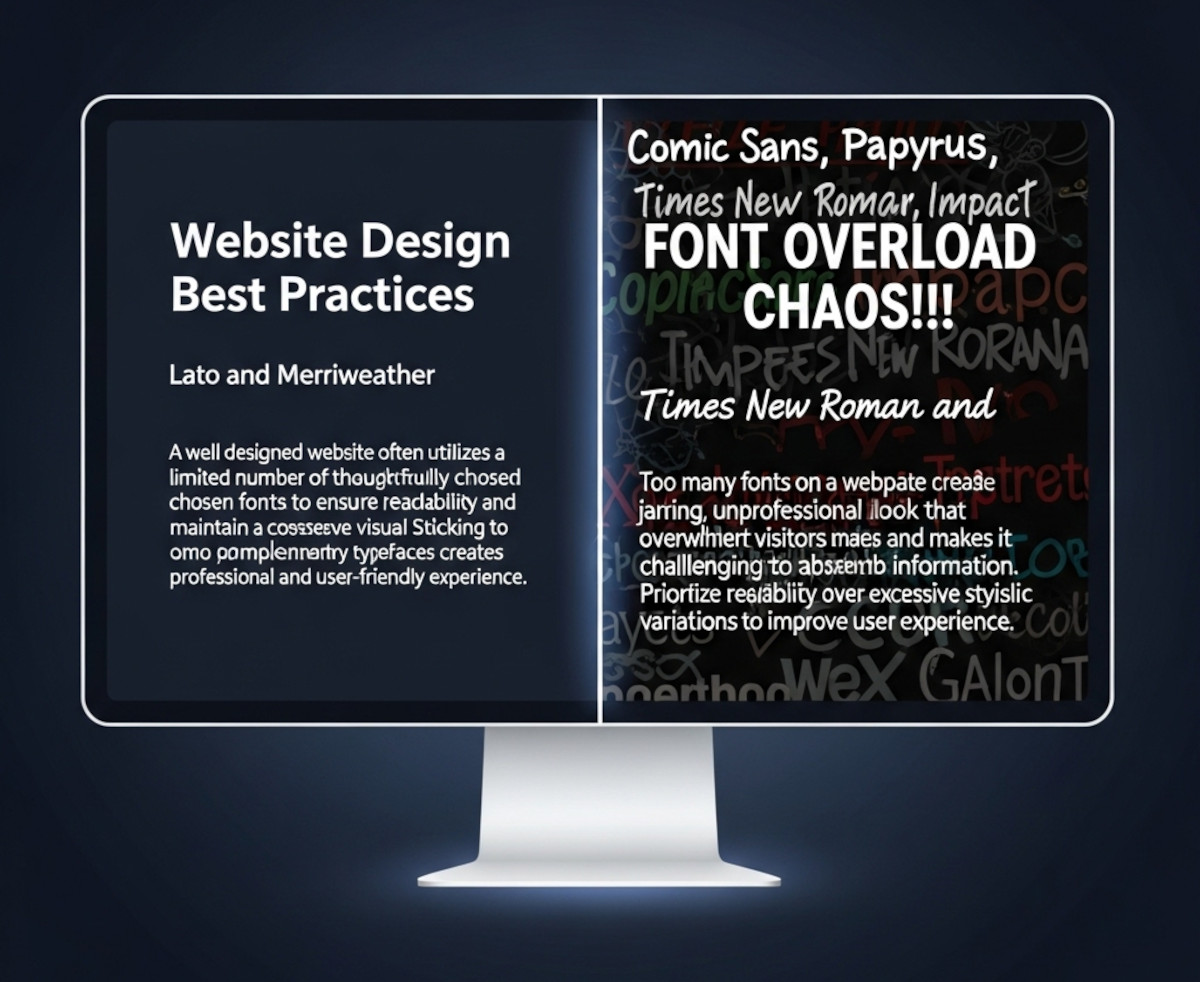
How Many Fonts Should Your Website Use – 1, 2, or More?

When you’re designing a website, picking fonts can be exciting - maybe too exciting. Suddenly, you’ve got your headline in a funky display font, your body text in something clean and minimal, your call-to-action in a bold condensed typeface, and before you know it… your site looks like a ransom note.
So how many fonts should you actually use on your website? The short answer: usually one or two.
Let’s break it down.
Why Font Restraint Matters
Fonts are more
... Continue reading
Posted in Ask David!, Website Design
Tagged branding, clean design, custom fonts, fast website, font choices, font hierarchy, font pairing, font pairs, font performance, fonts, google fonts, headings, headlines, minimalist design, performance, readability, typography, variable fonts, web design, website design tips, website fonts, website speed
Leave a comment
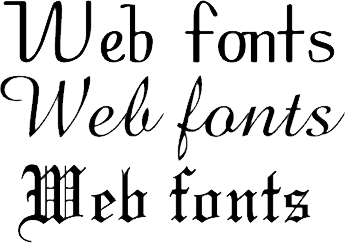
How can you choose web fonts that are both readable and beautiful?
Here are some tips on how to choose web fonts that are both readable and beautiful:
Consider your brand.
What kind of image do you want to project with your website? Do you want to be seen as modern and stylish, or more traditional and conservative? Your font choices can help you communicate your brand identity.
Think about the purpose of your website.
Are you trying to sell products? Provide information? Entertain? The type of content on your
... Continue reading
Posted in Ask David!, Website Design
Tagged beautiful web font, choosing web fonts, readable web font, web fonts
Leave a comment
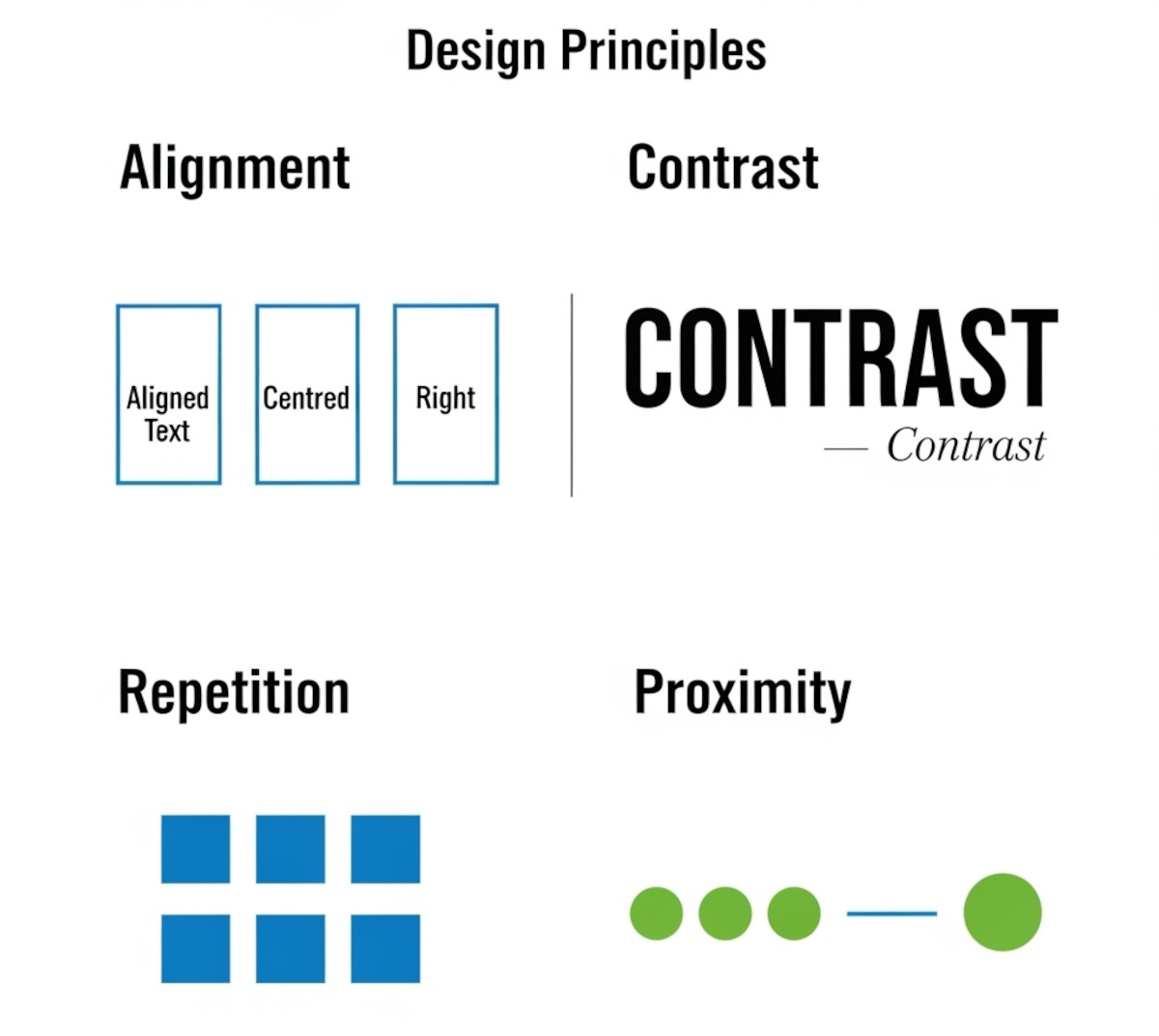
Tutorial: How to Instantly Make Your Designs Look Cleaner

Ever notice how some websites or graphics just feel “off,” even if you can’t put your finger on why? Most of the time, it comes down to a few small mistakes that make a layout look messy. The good news: once you know what to look for, you can fix these issues quickly and make your work look more polished and professional.
Here’s a simple tutorial on the four core principles that will clean up almost any design.
1. Alignment:
... Continue reading
Posted in Website Design
Tagged alignment, avoid clutter, beginner design guide, clarity, clean design, clutter, color, consistency, contrast, design consistency, design hacks, design principles, design repetition, design tricks, design tutorial, fonts, good design, improve website design, layout design, proximity, repetition, spacing, trust, trustworthy, ux design, visual hierarchy, web design tips, white space, whitespace
Leave a comment
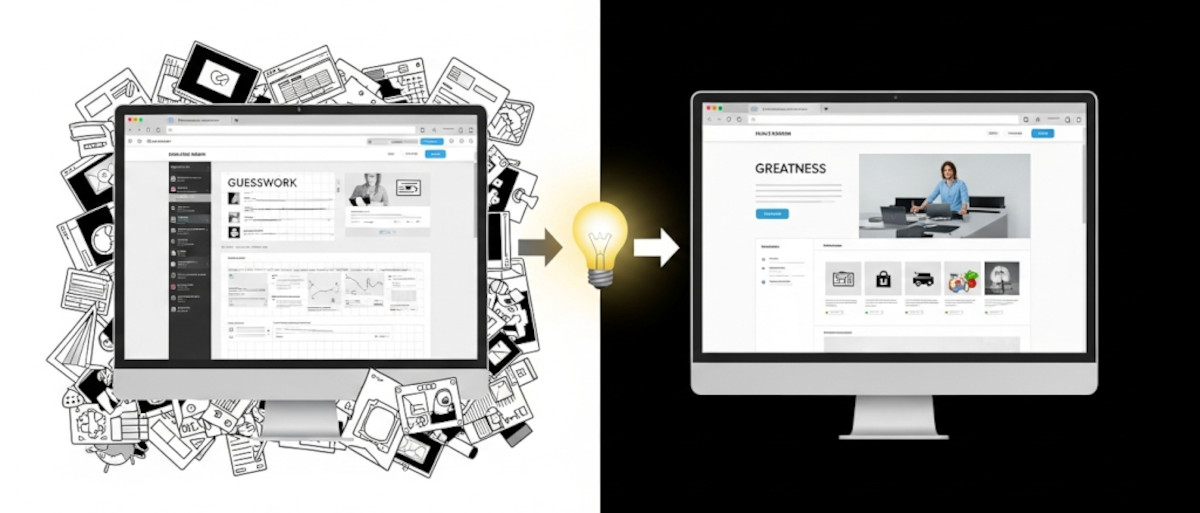
How to Learn Web Design: From Guesswork to Greatness

If you’re just getting started with web design, you might be asking yourself as one “Ask David!” particpant:
Am I just winging it? Are there rules? How do I know if my design actually works - or if it just looks nice?
These are questions almost every new designer has asked, and they’re completely valid. The good news? You don’t have to guess your way through it. While creativity plays a big role, great web design is a craft
... Continue reading
Posted in Ask David!, Website Design
Tagged avoid clutter, behance, branding, call-to-action, clear messaging, clear navigation, color palettes, color psychology, colors, conversions, cta, easy navigation, fast loading times, fast website, flow, fonts, great web design, hierarchy, landing page, learn web design, microinteractions, mobile-friendly, responsive, responsive app, reviews, small animations, social proof, spacing, testimonials, transitions, trust badges, usability, usability testing, user behavior, user experience, ux, web design best practices
Leave a comment
Struggling to Define Client Brands? Our Step-by-Step Guide for Web Designers and Marketers

🎯 GOAL:
Help the client articulate their brand essence, values, and visual preferences even if they don’t know the right words.
🧩 Step 1: Ask Simple, Relatable Questions
Ditch design jargon. Speak their language.
- "If your brand were a person, how would you describe them?"
(e.g., bold, trustworthy, calm, fun)
→ Designers translate this into tone, fonts, and color palettes. - "What kind of vibe do you want people to get when they see your site?"
(e.g., luxury, friendly, cutting-edge,
Posted in Marketing, Website Design
Tagged bold, brand mission, brand personality, brand voice, branding, color palette, edgy, font, font choice, inviting, logo, logo design, modern, monimalist, tone, vibe, voice, warm
Leave a comment
How to Design Your Own Website: A Step-by-Step Guide

You don't have to be a professional web designer or developer to design your own website. With the right website builder and a good plan, you can create the pages, layout, navigation, and overall look of your website yourself.
The key is to approach website design as a process. Before you start adding colors and images, figure out what pages you
... Continue reading
Posted in Website Design
Tagged branding, choose website builder, cms, colors, content is king, create your own website, design your own website, fonts, high-quality content, launch website, layout, navigation, responsive, search engine optimization, seo, site maintenance tool, sitemap, sitemap generator, styles manager, target audeince, test, third-party plugins, typography, update website, website images, website maintainance, website objective
Leave a comment
How can I use a Custom Font on my website?
Using custom fonts for your website: A step-by-step guide
Custom fonts can add a unique and personal touch to your website. They can help your website stand out from the competition and make it more memorable. If you're not sure how to use custom fonts on your website, here's a step-by-step guide:
- Choose your fonts. There are many websites where you can download custom fonts, such as Google Fonts and Font Squirrel. Once you've found some fonts that you like,
Posted in Ask David!, Website Design
Tagged classes, css, custom fonts, fonts, html, styles manager
Leave a comment
How to Make a Website Without AI for Free

Ask David! Question
How can I make a website without AI for free? I want to build a website myself without using AI website builders or paying a monthly subscription. What are my options, and is there a way to get more features without spending a lot?
David's Answer
Yes! You can make a website without AI for free. You don't have to use an AI website generator, pay a monthly website-builder subscription, or know how to code.
The best
... Continue reading